 Your PayLync payment setup
Payment methodsEnabled for you by account
Processing pricingYour gateway rates
Review your payment options →
Walk through a typical payment request and discuss how it would fit your Odoo setup.
Schedule a walkthrough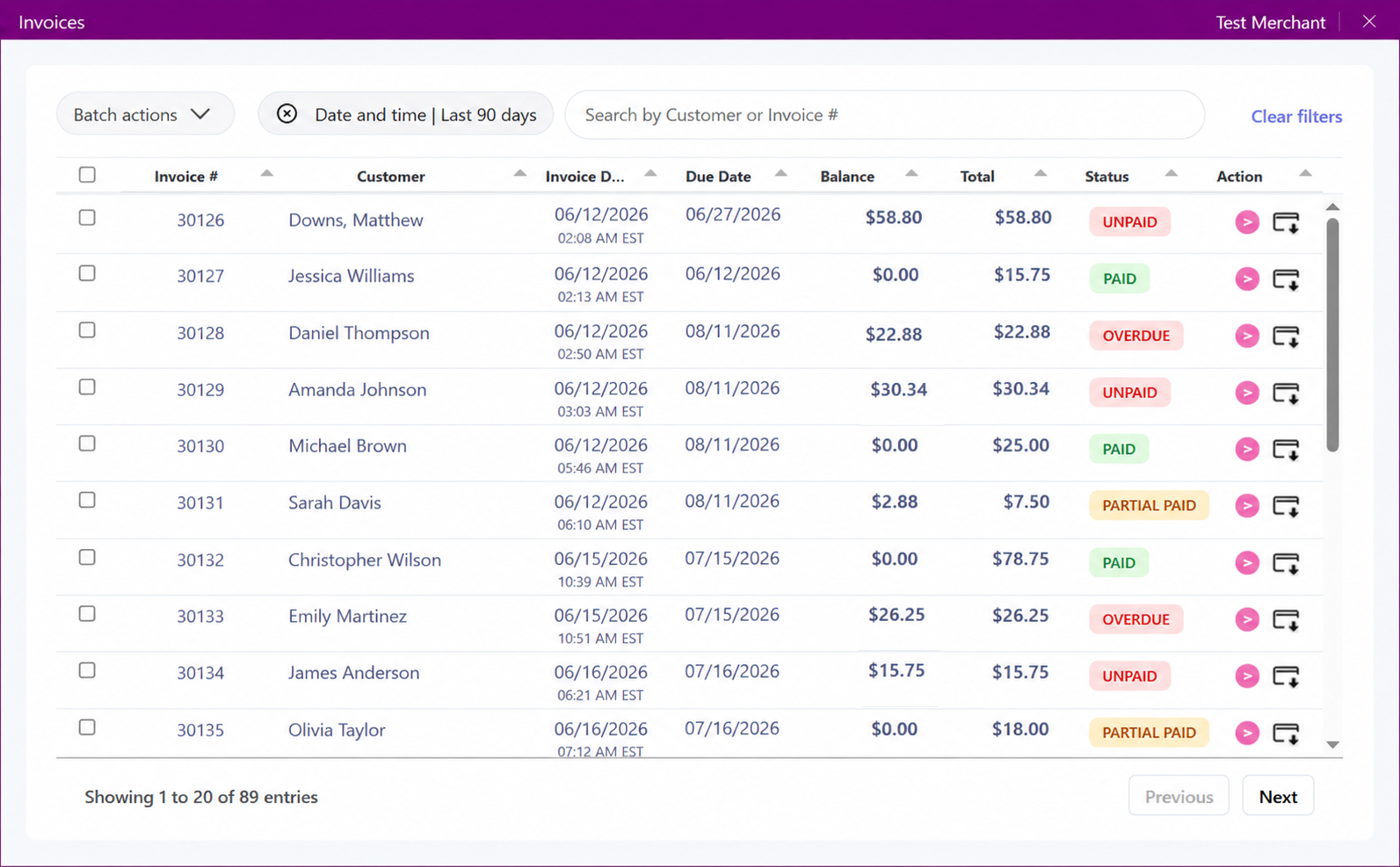
PayLync can work from supported Odoo customer, invoice, sales, or order context to create a payment step tied to a recognizable business record.
This helps teams avoid treating payment as an isolated event. Because ERP environments differ, record access, approvals, and posting behavior are defined during implementation.
Before launch, the PayLync team confirms which Odoo records and fields are available, who can create requests, and how payment status returns to your staff. That keeps the workflow aligned with connector permissions and the way your team already works.
A representative test takes the process from selecting a record through customer checkout and reviewing the result. It gives your team a chance to document follow-up, changed amounts, refunds, and exceptions before the connection is used in day-to-day work.
Your PayLync payment setup Odoo connection review
We review the complete workflow with you instead of publishing a one-size-fits-all rate claim.
Carry approved customer, invoice, or order context from Odoo into PayLync.
Give authorized users the payment tools they need without exposing unnecessary ERP areas.
Keep a PayLync status trail that finance and operations can use during follow-up.
Configure the connection around the roles and controls your organization uses.
An authorized user starts with a supported Odoo record, confirms the amount and customer, and creates the payment request through PayLync.
The resulting transaction can then follow the review and posting process defined for your implementation. Automation and write-back depend on the approved connector scope.
Choose the Odoo entity, subsidiary, location, and record types included in the payment workflow.
Approve the connection method, service account or user roles, and least-access requirements.
Run a representative invoice or order through payment and finance review.
Document ownership, exception handling, posting, refunds, and support contacts before launch.
Availability depends on the connector and your ERP configuration. Scope the required companies, locations, and record types during discovery.
The implementation can be planned around authorized roles, but the exact approval and posting behavior must be validated for your Odoo environment.
Customers see only the card, bank-payment, or other choices enabled for your PayLync merchant and gateway configuration.
You will need the appropriate Odoo access, an active PayLync merchant setup, and permission to authorize the supported connection.
PayLync uses the authorization method supported by the connector and limits the workflow to the approved account context and permissions.