 Your PayLync payment setup
Payment methodsEnabled for you by account
Processing pricingYour gateway rates
Review your payment options →
Walk through a typical payment request and discuss how it would fit your Open Dental setup.
Schedule a walkthrough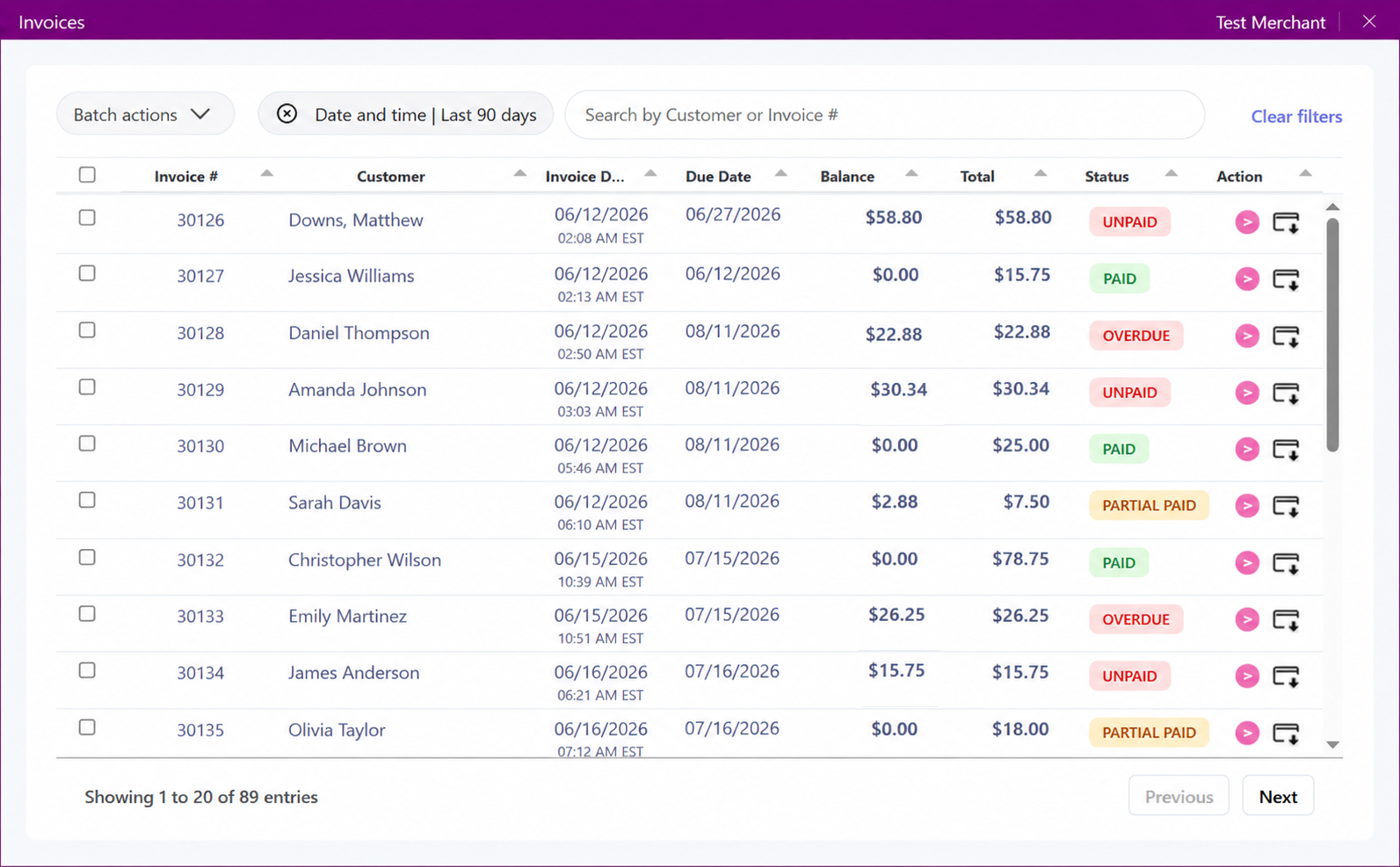


PayLync can use the supported business context from Open Dental to prepare a secure payment request for the right patient, client, or account.
The goal is a clearer handoff between service and payment, with less duplicate entry for staff. Access is limited to the fields and actions approved for the configured connection.
Before launch, the PayLync team confirms which Open Dental records and fields are available, who can create requests, and how payment status returns to your staff. That keeps the workflow aligned with connector permissions and the way your team already works.
A representative test takes the process from selecting a record through customer checkout and reviewing the result. It gives your team a chance to document follow-up, changed amounts, refunds, and exceptions before the connection is used in day-to-day work.
Your PayLync payment setup Open Dental connection review
We review the complete workflow with you instead of publishing a one-size-fits-all rate claim.
Use the patient, client, appointment, or balance references made available by Open Dental.
Send an eligible payment request without putting sensitive card details into practice notes.
Review whether a request is waiting, completed, or needs a closer look.
Reuse approved business context instead of typing the same payment reference in multiple systems.
From the supported Open Dental workflow, staff confirms the account and amount, then uses PayLync to provide a secure way to pay.
PayLync tracks the transaction result for authorized users. Clinical data access, balance updates, refunds, and synchronization vary by connector and should be validated during onboarding.
Confirm the Open Dental business, location, and staff roles that need access to the payment workflow.
Authorize the minimum access required and review the fields available to PayLync.
Run a sample request and confirm the staff and customer experience before launch.
Set a clear routine for sending requests, checking status, and handling exceptions.
PayLync is intended to use only the business and payment context required by the configured workflow. Confirm the exact permissions and fields during onboarding.
Authorized users can review PayLync payment status. Whether that status also appears inside Open Dental depends on the supported connector behavior.
Customers see only the card, bank-payment, or other choices enabled for your PayLync merchant and gateway configuration.
You will need the appropriate Open Dental access, an active PayLync merchant setup, and permission to authorize the supported connection.
PayLync uses the authorization method supported by the connector and limits the workflow to the approved account context and permissions.